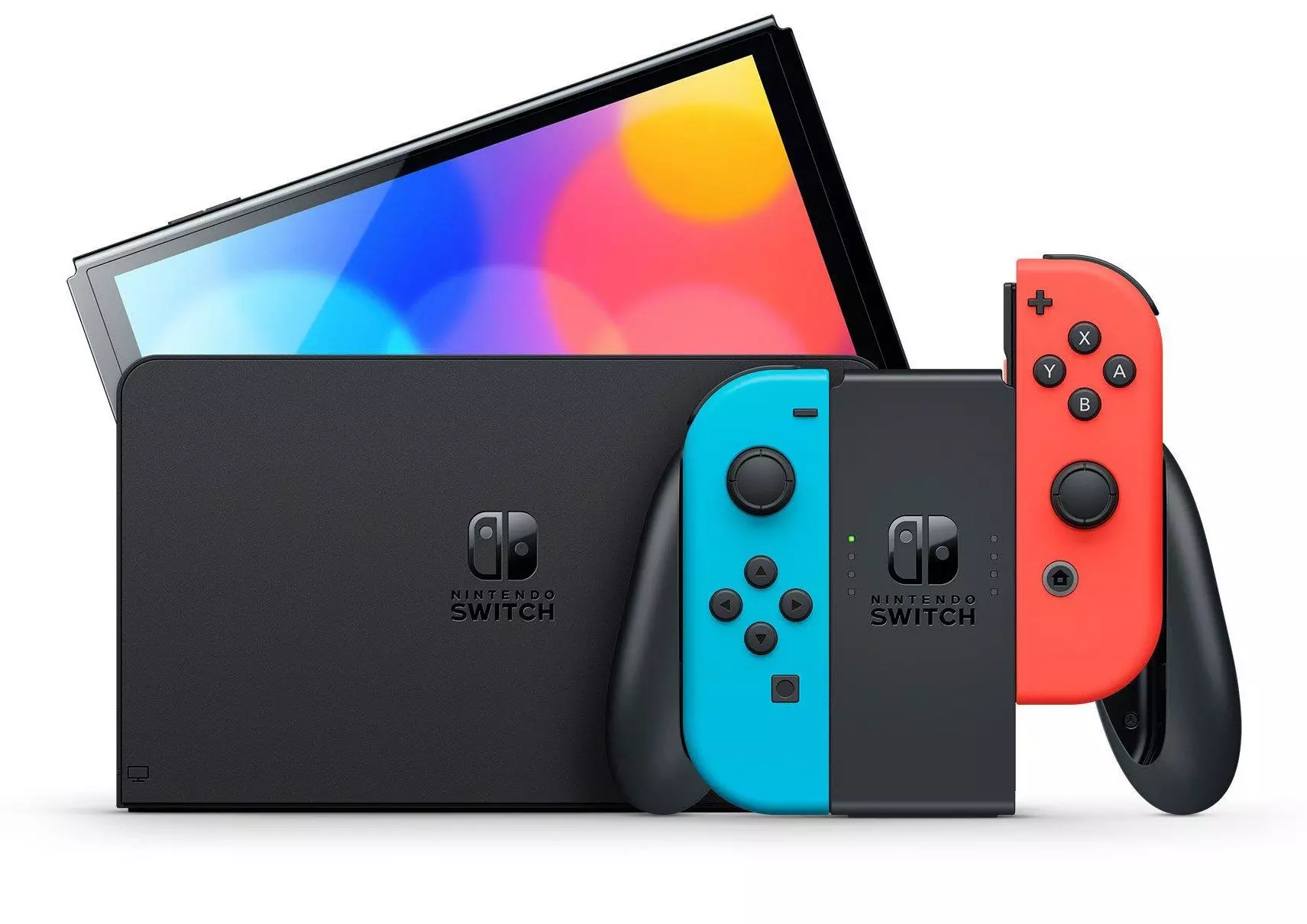
Nintendo has officially announced that the successor to the Nintendo Switch will be revealed within the fiscal year. Players can expect higher frame rates, larger storage options, and full backward compatibility for existing digital libraries. Preparing your current account now ensures a fast transition on launch day.
What Are the Expected Nintendo Switch 2 Specs?
The new console brings major hardware improvements to improve performance in heavy handheld games. Gamers can expect a custom Nvidia chip that supports higher screen resolutions when connected to a television set. The built-in screen is wider, offering clearer visuals while playing on the bus or in bed.
Internal storage receives a major boost compared to the original system models. You will have more room for downloadable titles without needing a massive memory card on day one. Battery life stays strong, giving you three to six hours of game time depending on how bright you set your screen.

How to Prepare Your Nintendo Account for Switch 2
Getting your account ready takes less than ten minutes and keeps your digital purchases safe. Doing this early means you can log into your new system immediately after opening the box. Follow these steps to back up your user profile today.
- Turn on your current Nintendo Switch console and select System Settings from the home screen.
- Scroll down to Users and pick your primary profile name.
- Select Nintendo Account and verify that your current email address is linked correctly.
- Turn on Two-Step Verification inside your account security settings on your phone to protect your games.
- Open the Save Data Cloud menu and choose Automatically Back Up Save Data so your progress uploads every night.
Nintendo Switch 2 Backwards Compatibility Steps
Your current library of games will work on the new hardware through your shared profile. Both physical cartridges and digital shop downloads will transfer across systems seamlessly. Gamers can read historical gaming coverage on Electronic Gaming Monthly to see how hardware generations have updated over the past three decades.
Physical media slots remain compatible with your existing game cards. Digital games tied to your account will show up in your redownload list as soon as you log into the new store. Save files move safely through the cloud without needing extra cables or memory sticks.
How to Transfer Your Save Data to the New Console
Moving your game progress to a new device takes about fifteen minutes over your local wireless network. You need both consoles powered on and connected to the same Wi-Fi router. Follow these simple steps to move your files without losing your game hours.
- Place both consoles on a flat surface next to their power cords.
- Open System Settings on your original console and choose User Data Transfer.
- Select Send to Another Console on the old device and Receive on the new system.
- Select your user profile and confirm the transfer prompt on both screens.
- Wait ten minutes for the transfer bar to finish completely before turning off either system.
Essential Accessories to Keep for Your New Setup
You do not need to buy all new gear when you upgrade your setup. Many of your current controllers and cables will work directly with the new system out of the box. This saves you money while keeping your preferred controller layouts ready for multiplayer sessions.
Your current Nintendo Switch Pro Controllers will sync to the new system using standard Bluetooth settings. Standard USB charging cables and HDMI cables will also connect to the new television dock without issues. Keep your favorite wireless headsets handy, as basic audio accessories retain full support on the new platform.
